Binolla Platform Update: Create Your Own Asset Panel
The Binolla team has recently updated the platform’s interface to improve user experience. From now on, you can benefit from an even deeper setup of your charts and have quick access to your chosen assets.
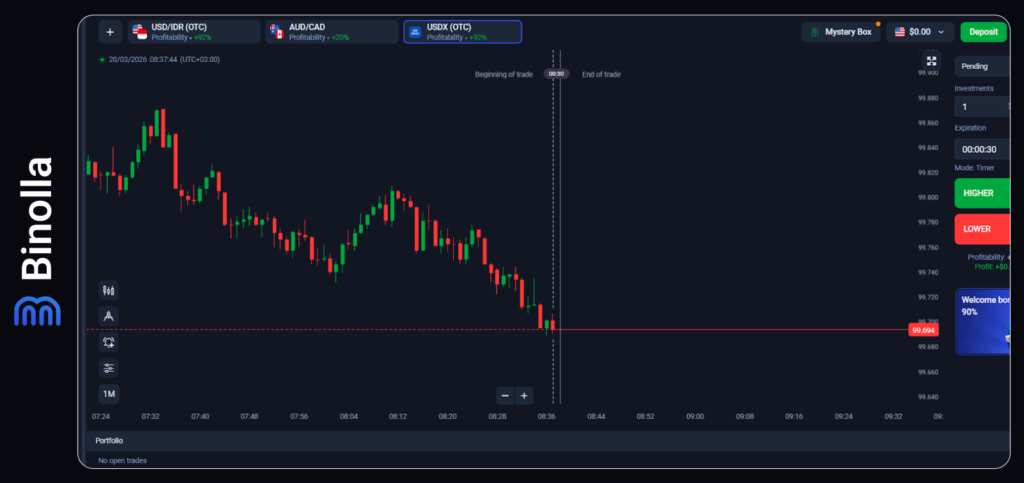
Adding Assets to the Upper Panel
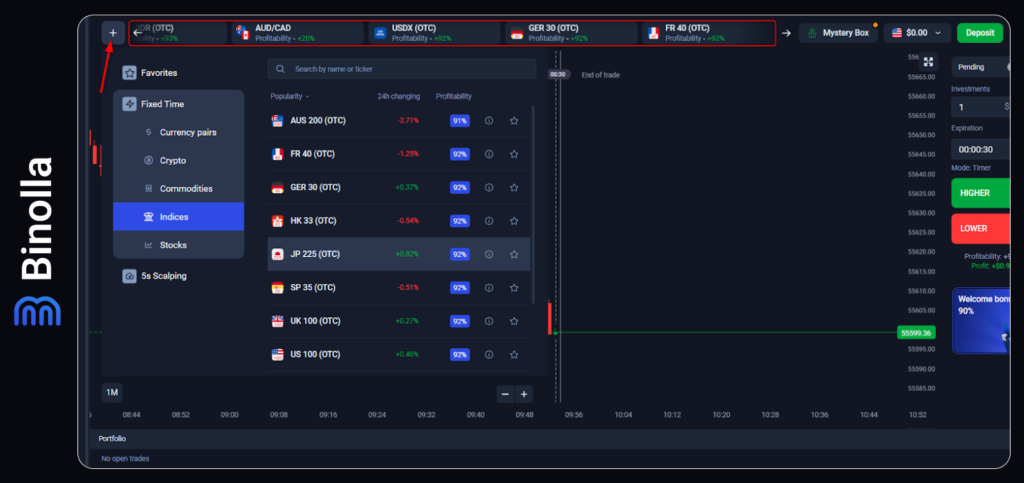
You can add several assets to the upper panel of the screen and switch between them immediately. This will allow you to create your own watchlist to compare and trade various tools without spending time looking for them in the assets menu. To add a new asset:
- Press the + button at the top of the screen.
- Select an asset from the list and click on it.
- Adjust your chart according to your strategy by using the Tools panel.
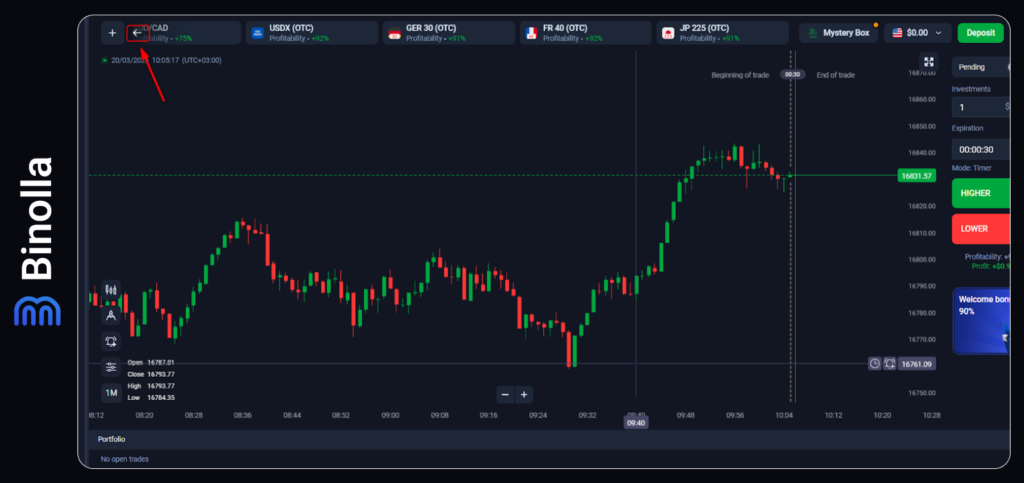
If you add too many assets, the previous ones will move to the right of the panel. Use arrows on the left and right sides of the panel to browse between assets.
Tools Panel
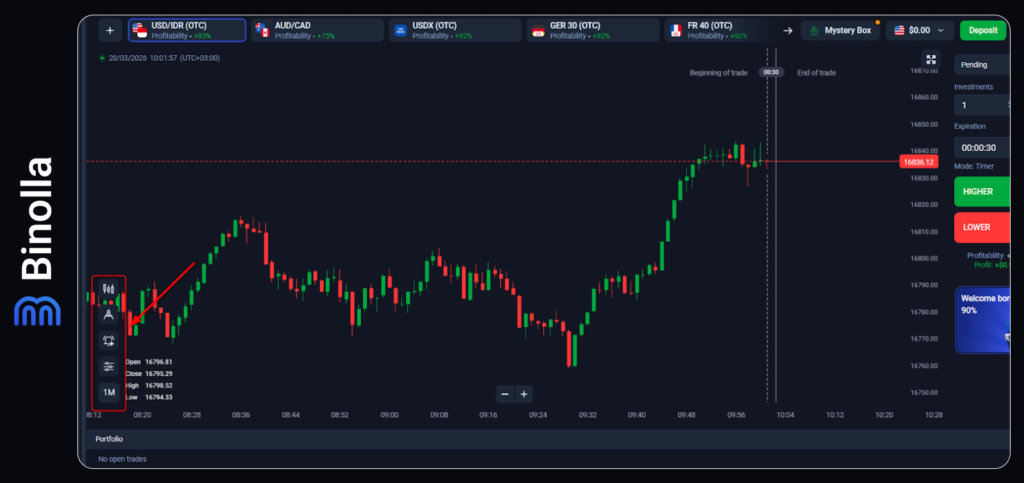
The Tools panel, where you can choose indicators and drawing tools, was moved to the bottom left part of the chart. Apart from adding or adjusting indicators and drawing tools, you can switch between timeframes and choose your favorite type of chart, adjust candlestick settings, and set price alerts.