

13 Aug, 2025
Binolla Update: Improve Your Platform’s Visual Perception with the Blue Theme
Copy link
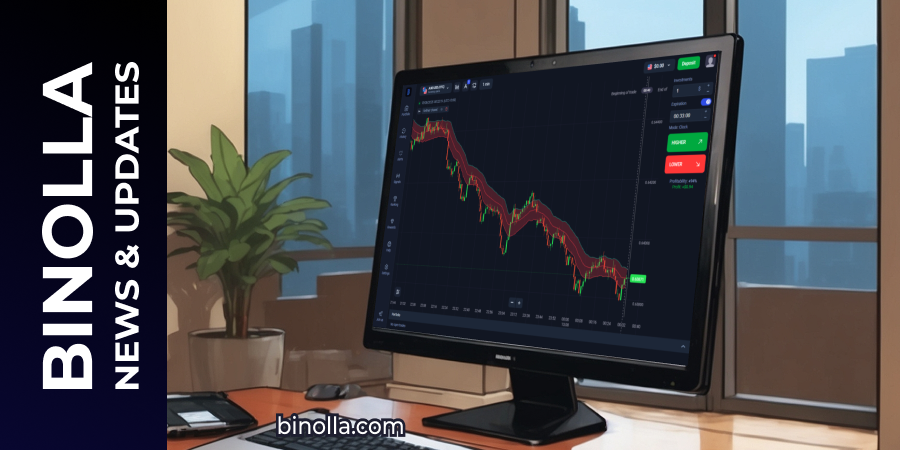
Binolla is working relentlessly on improving the user experience and bringing a new update with the blue platform theme inside. Similar to the dark one, this theme serves to improve the perception of charts and tools at night. Moreover, according to psychologists, the blue theme increases focus, conveying clarity and usability.
How to Switch to Blue Theme on the Binolla Platform
To switch to the blue theme on the Binolla platform, you need to complete the following steps:
- Go to the Settings section of the platform.
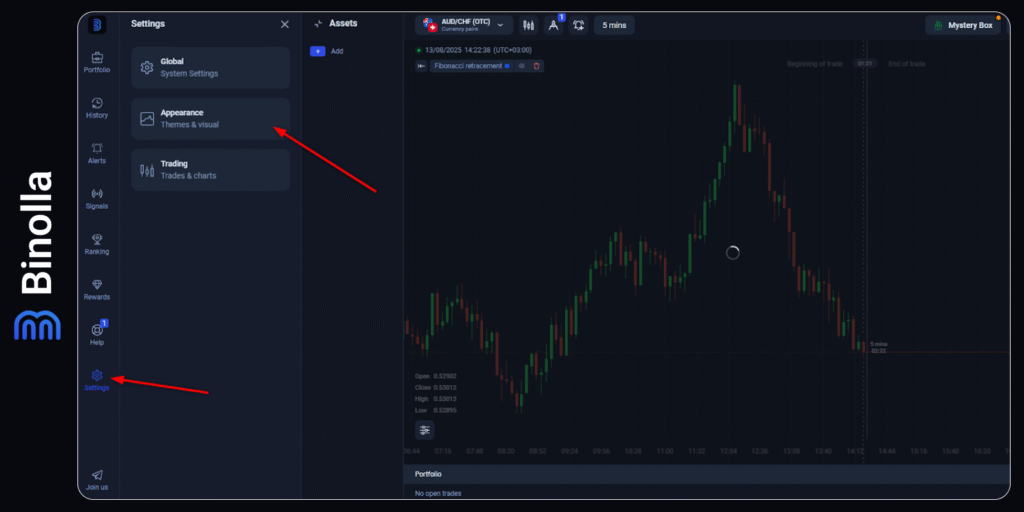
- Choose Appearance there.
- Find the color theme in the dropdown menu and click on the current color.
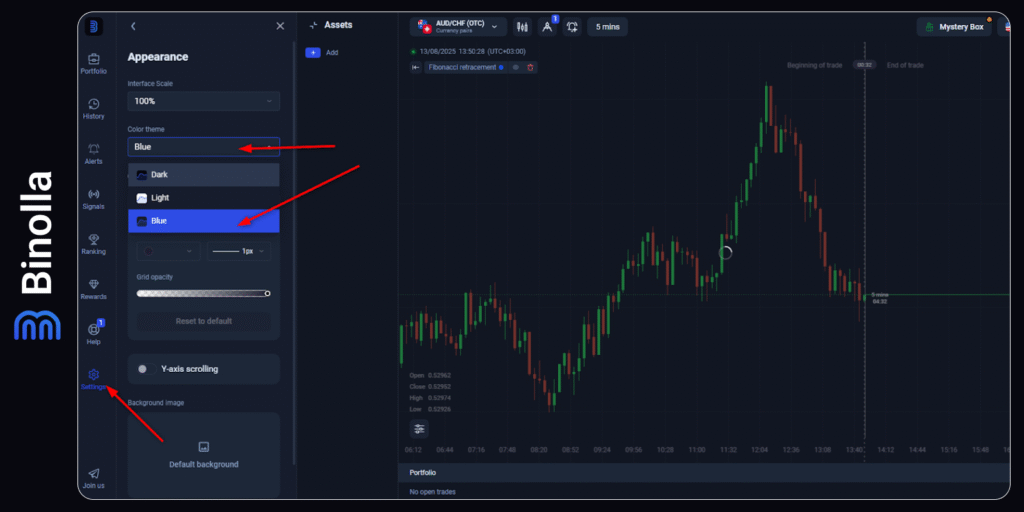
- Select Blue from the list.
Once you make the selection, the platform’s theme will be switched to the blue one. As you can see, switching between themes is simple. Follow our next updates to learn more about the new functionality and interesting features of the Binolla platform.
Author

Share


Recommended
2 min read
2 min read
Binolla Platform Update: Improve Your Trading with the Multichart Feature
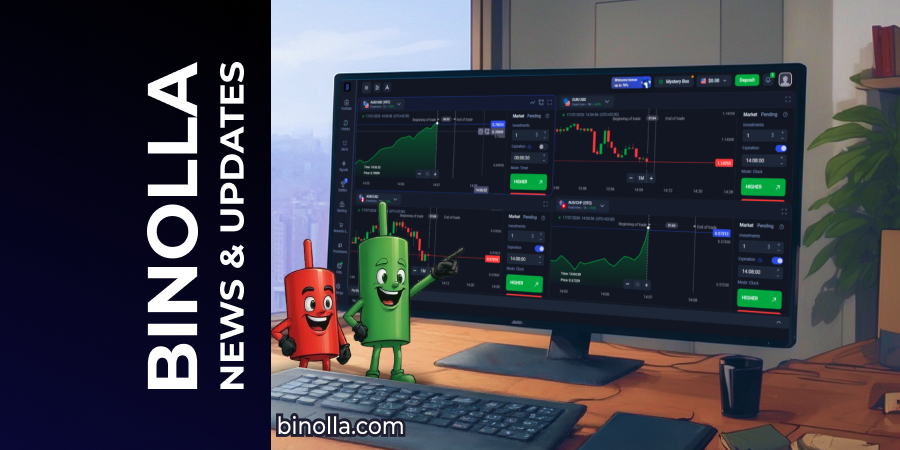
The Binolla team has recently updated the platform and added the multichart feature. From now on, you can follow a single asset or up to 4 on one screen. With this new functionality, you will have greater flexibility and a deeper market view. ...
7 min read
Binolla Launched Battles: Compete with Other Traders and Chase Generous Prizes
Binolla first Battle ever has already concluded and the winners have got their prizes. Almost 1,000 traders participated in the greatest trading contest, organized by the brokerage. We would like to congratulate those who shared the prize pool....